Creating a user
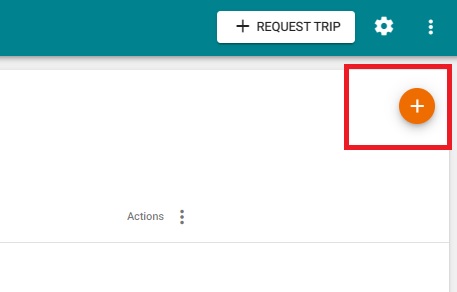
To create a new user, simply click on the Users button on the left-hand side navigation menu to be taken to the Users screen. On this screen, click on the orange (+) button on the top right to add a new user.
A pop-up will appear which will include all required fields that must be provided. The value entered into the reference number field is the same value that the driver will use to login with on the Click2Track Driver app. Many providers choose to use the driver's phone number as the driver reference (login), but if your company has a specific designation for drivers, you can choose to enter that here.